Set Work, Rest and Repeat
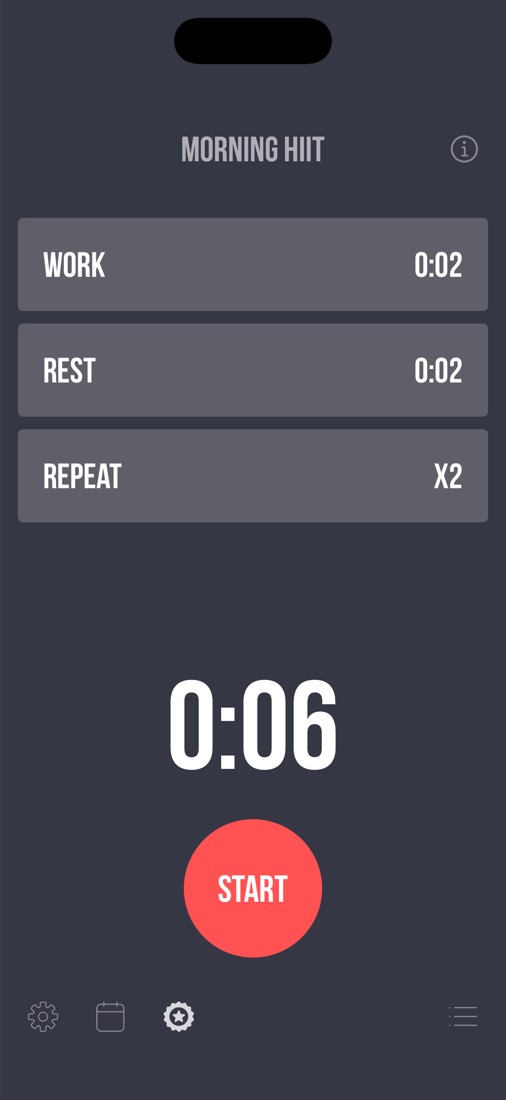
- Press and hold the Work, Rest or Repeat row on the home screen
- Keep your finger down and drag up or down to change the value
- Lift your finger to set it; the total workout time updates below
- Tap the timer name at the top to rename it
- Tap Start when you're ready
During a Workout
- A short countdown gives you time to get into position (change its length in Settings → Initial Countdown)
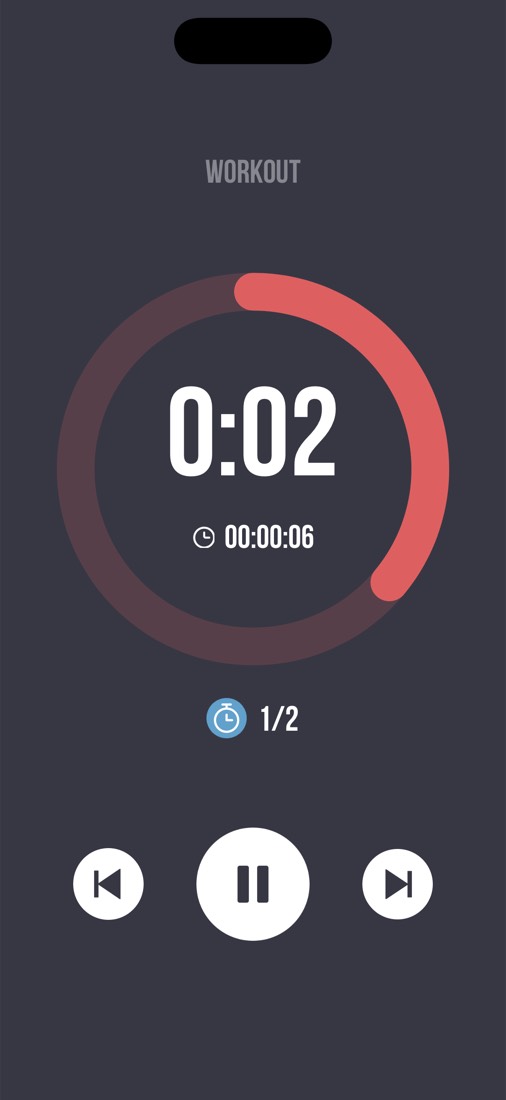
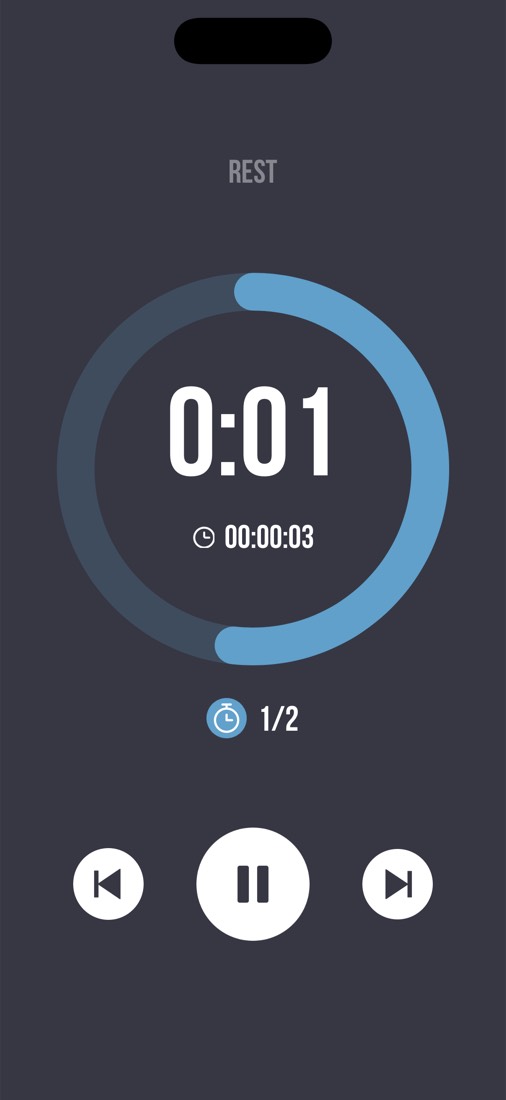
- Voice and beep cues tell you when each interval starts and ends
- Use the buttons to pause, or skip back and forward between intervals
- Lock your phone or switch to your music app; the timer keeps going
- Allow notifications when asked, so you also get alerts while the app is in the background
Your Timers
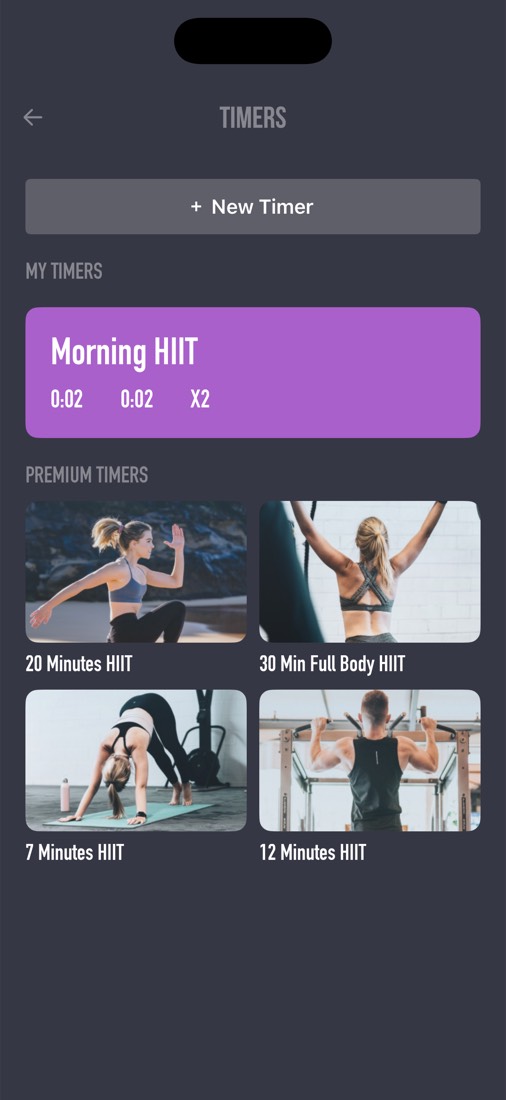
- Tap the list icon at the bottom right of the home screen to open Timers
- Tap + New Timer and choose a HIIT Timer, Round Timer or Custom Timer
- Tap any timer to load it on the home screen
- Press and hold a timer, then drag, to reorder the list
- Swipe left on one of your timers to delete it
- Premium Timers holds ready-made workouts like 7 Minutes HIIT and 30 Min Full Body HIIT
Build a Custom Timer
- Choose Custom Timer under + New Timer
- Tap + Add Exercise for each move, then give it a name, duration, colour and sound
- Set Rounds, Warm Up, Rest Between Intervals, Rest Between Rounds and Cooldown
- Swipe an exercise sideways to copy or delete it
- Tap Save; the bar at the top shows the whole workout at a glance
Sounds and Music
- Open Settings (the gear icon at the bottom left of the home screen)
- Sound Settings lets you choose the sounds for your cues
- Use the Volume slider to make cues louder or quieter than your music
- Ducking lowers your music while a cue plays
- Mute workout sound silences the countdown and finish sounds; leave it off if you want to hear them
Stats, Goals and Reports
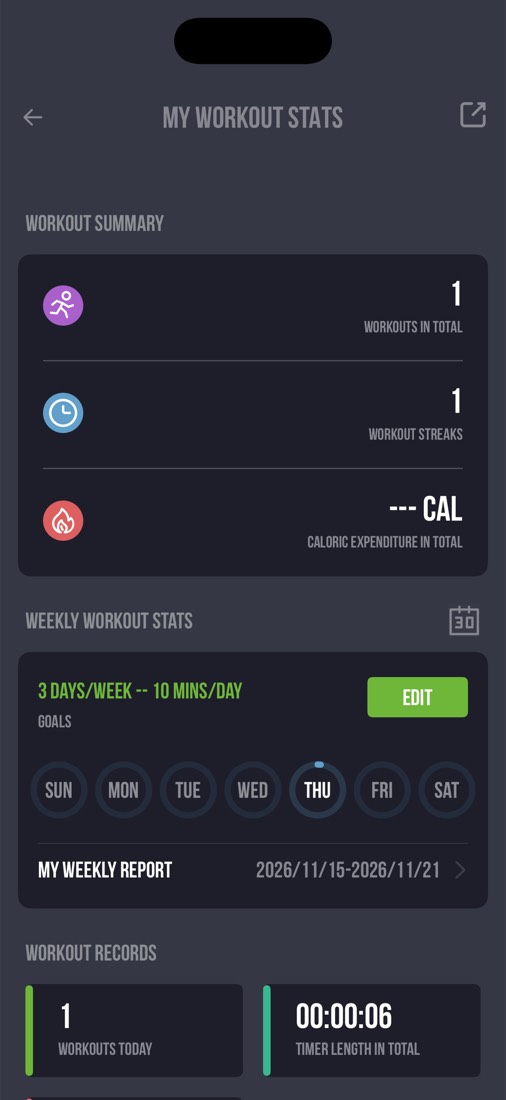
- Tap the calendar icon on the home screen to open My Workout Stats
- See total workouts, streaks, time trained and estimated calories
- Tap Edit next to Goals to set workout days per week, minutes per day and a reminder
- Open My Weekly Report for a summary of your week, or the calendar for every past session
Apple Watch and Apple Health
- Open the iPhone app once with your watch nearby, then open Interval Timer ++ on the watch
- Your HIIT and round timers appear on the watch and run right on your wrist
- Workouts finished on the watch are added to your history on the iPhone
- In Settings → Apple Health, allow access to save your workouts to Apple Health
- With access allowed, the app reads your heart rate and weight to estimate calories burned
Good to Know
- Your timers and workout history are stored on your iPhone; deleting the app deletes them
- Custom timers built from named exercises run on iPhone only
- Deleting the app does not cancel a subscription; see the FAQ for how to cancel
- Still stuck? Email support@touchberry.net, or use Settings → Send Feedback in the app